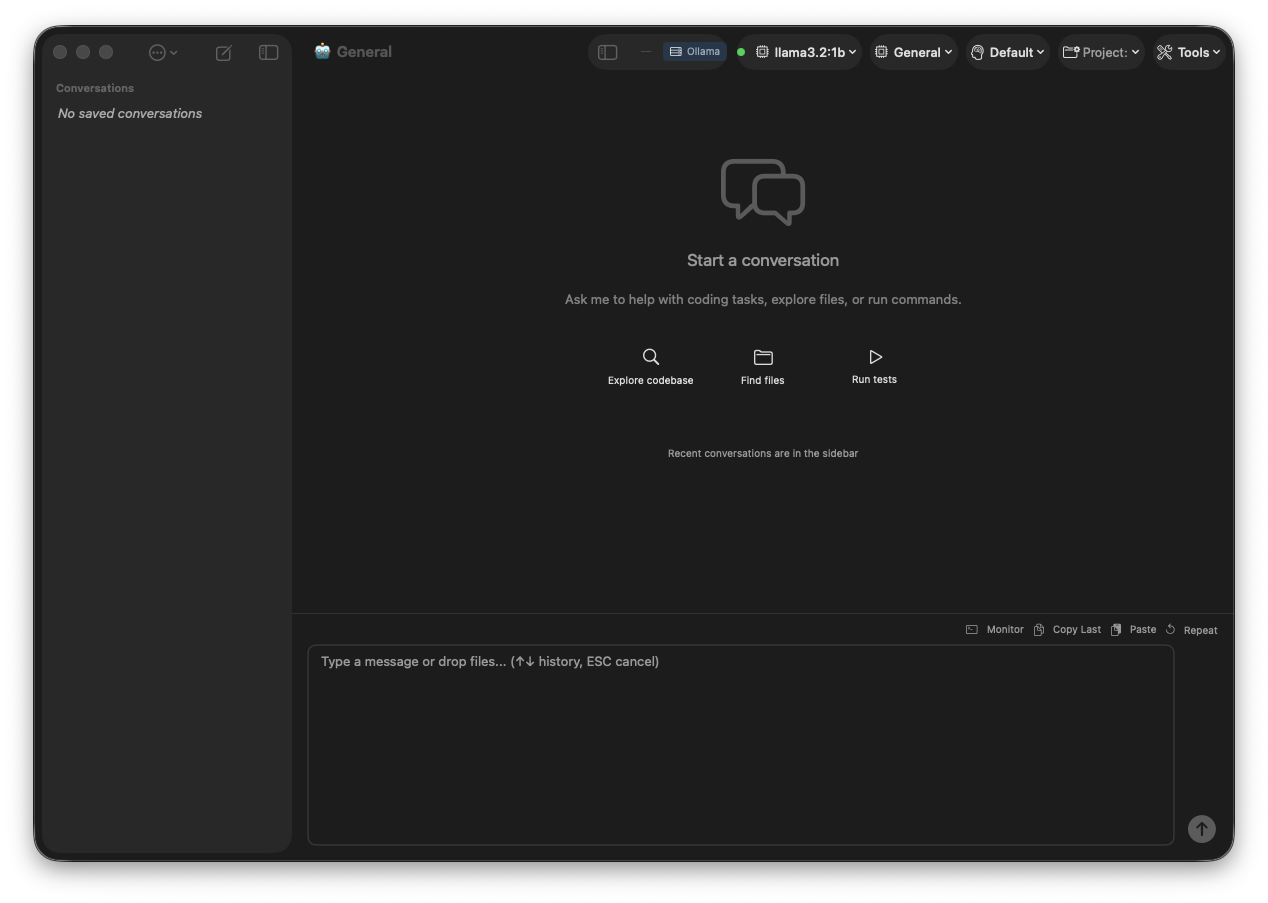
Native macOS application with visual workbenches for AI training, model management, RAG, and prompt engineering. Connect to local Ollama or remote Eldric clusters.
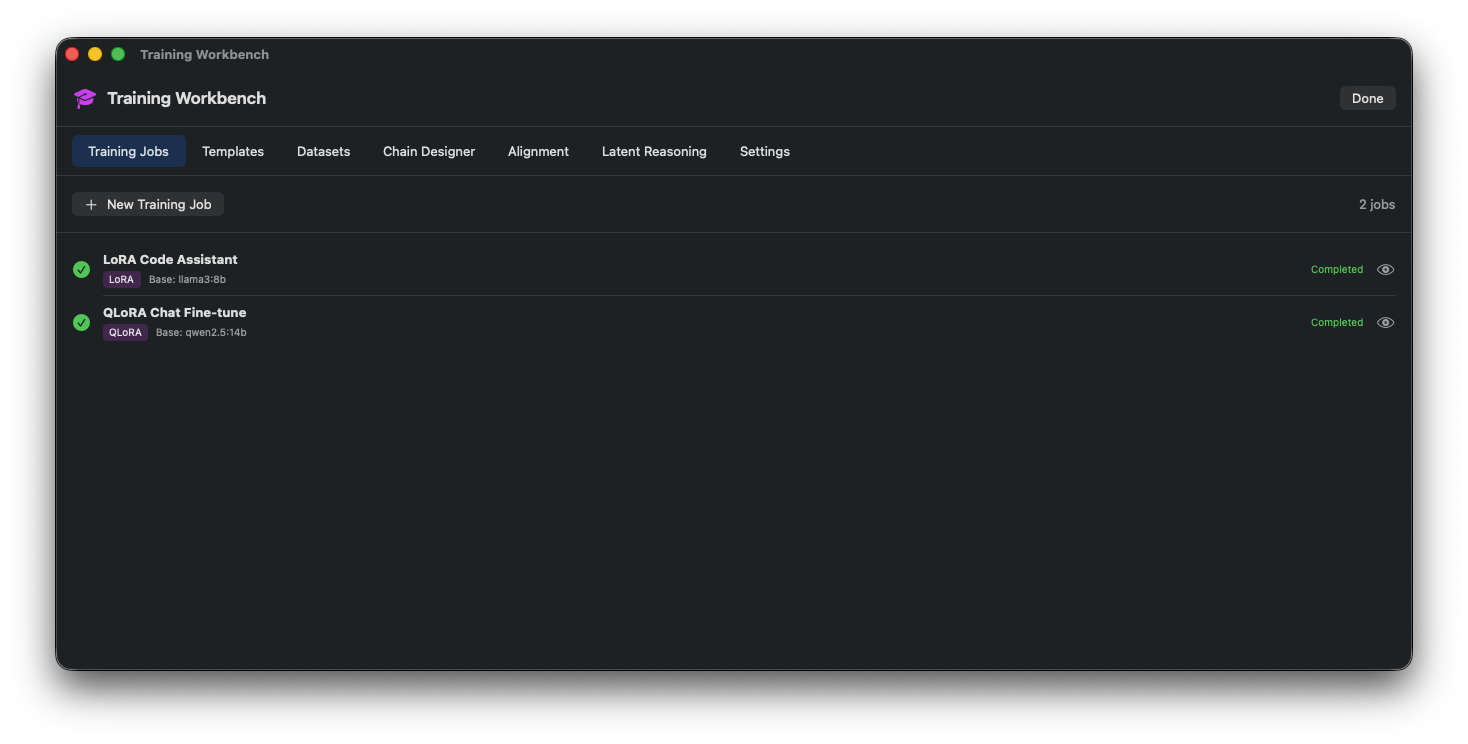
Complete LoRA fine-tuning pipeline with visual configuration. Create datasets, set hyperparameters, monitor training progress with live charts, and deploy trained models to Ollama.
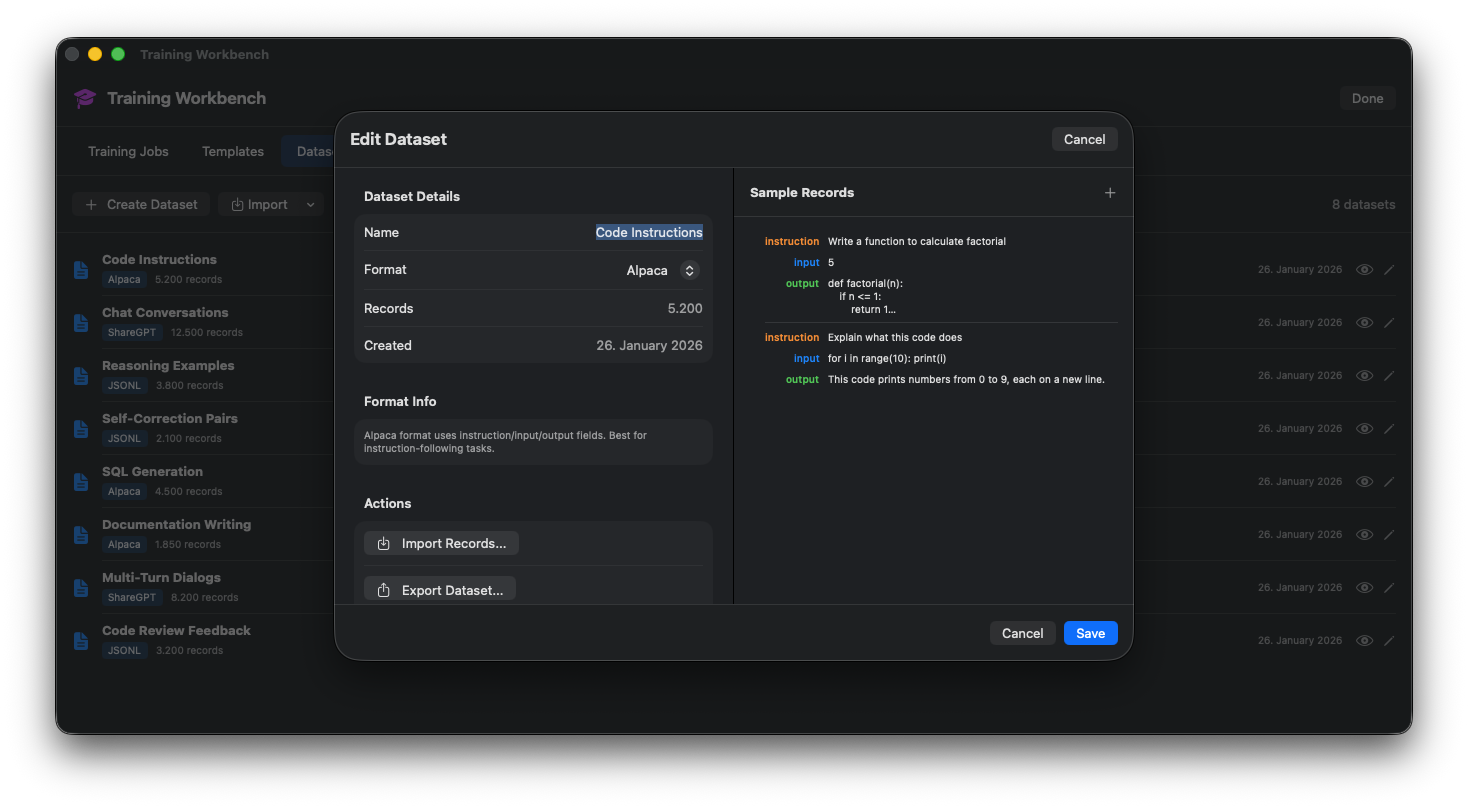
Create training data from prompts, sessions, or import Alpaca/ShareGPT format.
Visual sliders for learning rate, batch size, LoRA rank/alpha, warmup steps.
Real-time loss curves, epoch progress, and ETA tracking.
Unsloth, Axolotl, or llama.cpp training backends.
Training Job Configuration
Training Progress
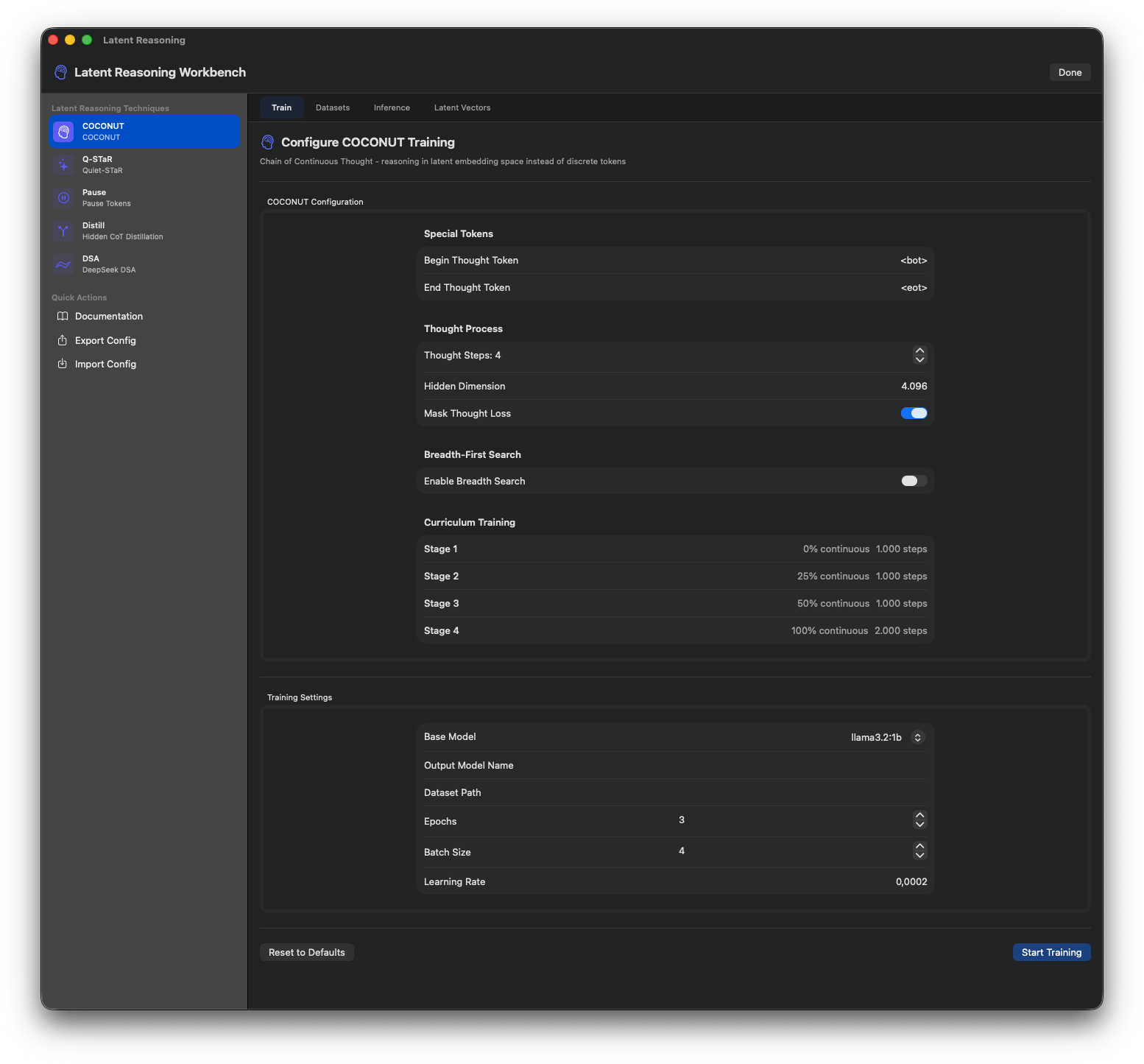
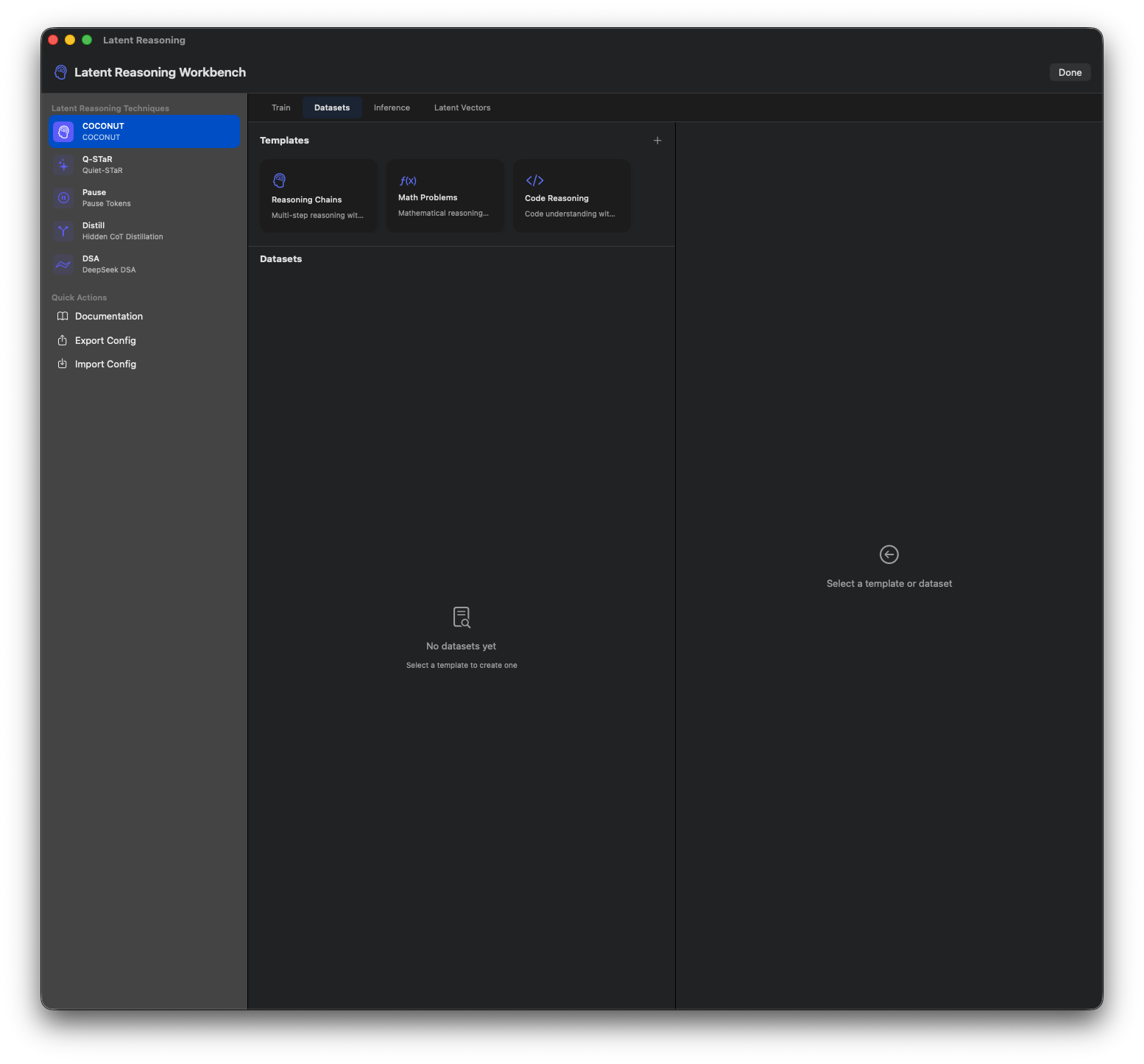
Train and analyze models with chain-of-thought reasoning. Visualize reasoning steps, confidence scores, and thought dependencies. COCONUT technique support.
Parse responses to identify discrete reasoning steps and conclusions.
See model confidence at each reasoning step.
Train latent reasoning capabilities into models.
Visual DAG showing reasoning step dependencies.
Reasoning Training Setup
COCONUT Configuration
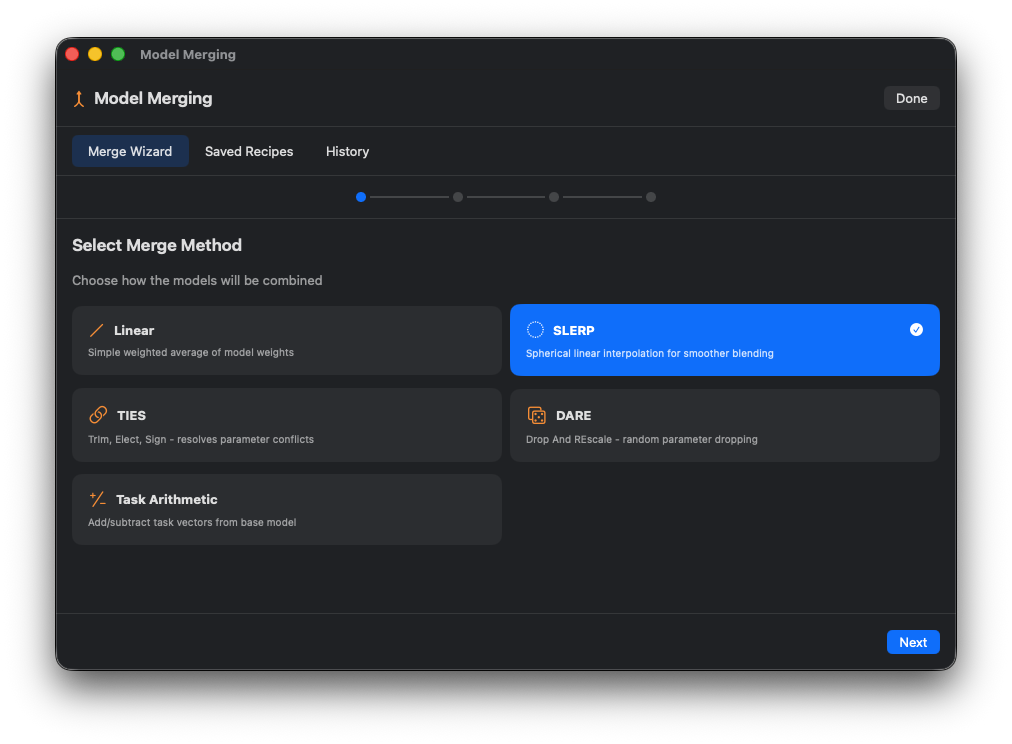
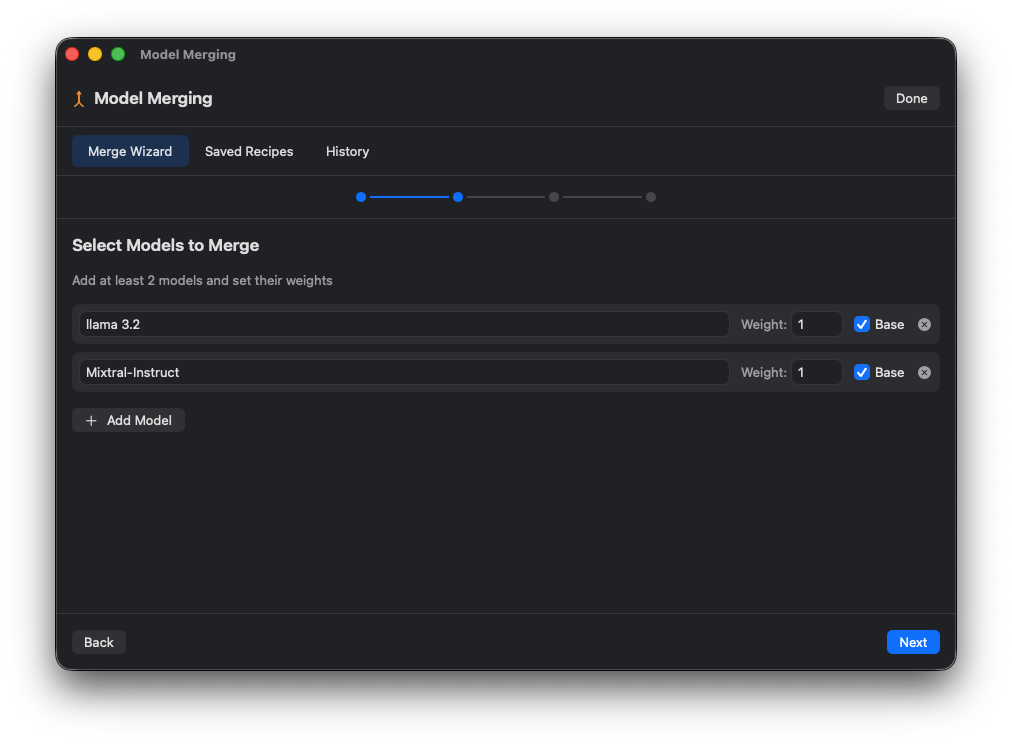
Combine model capabilities with visual merge recipes. Select models, adjust weights, choose merge methods (SLERP, TIES, DARE), and create hybrid models.
Select models and build merge configurations visually.
Fine-tune each model's contribution to the merge.
SLERP, TIES, DARE, or linear averaging.
Save and reload merge recipes.
Merge Wizard
Method Selection
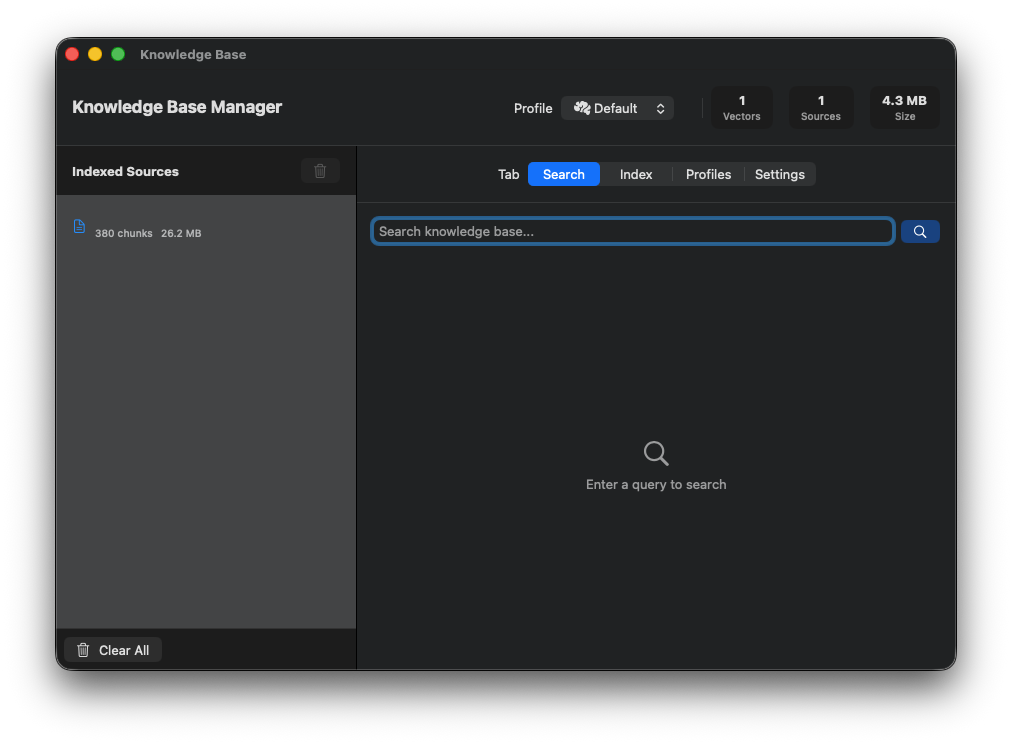
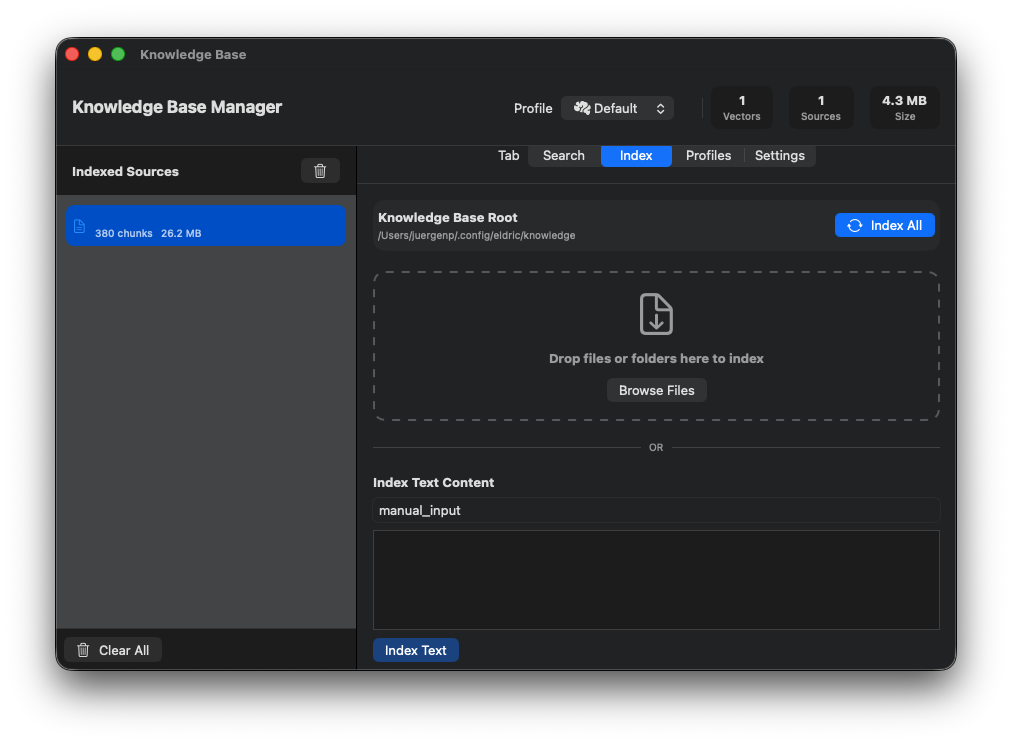
Manage knowledge bases visually. Create profiles, import documents, search your knowledge, and preview context injection.
Separate knowledge bases for different projects.
Drag-drop files, folders, or URLs. 20+ formats.
Test queries and see retrieved chunks.
Browse sources, see chunk counts, remove content.
Knowledge Base Overview
Document Import
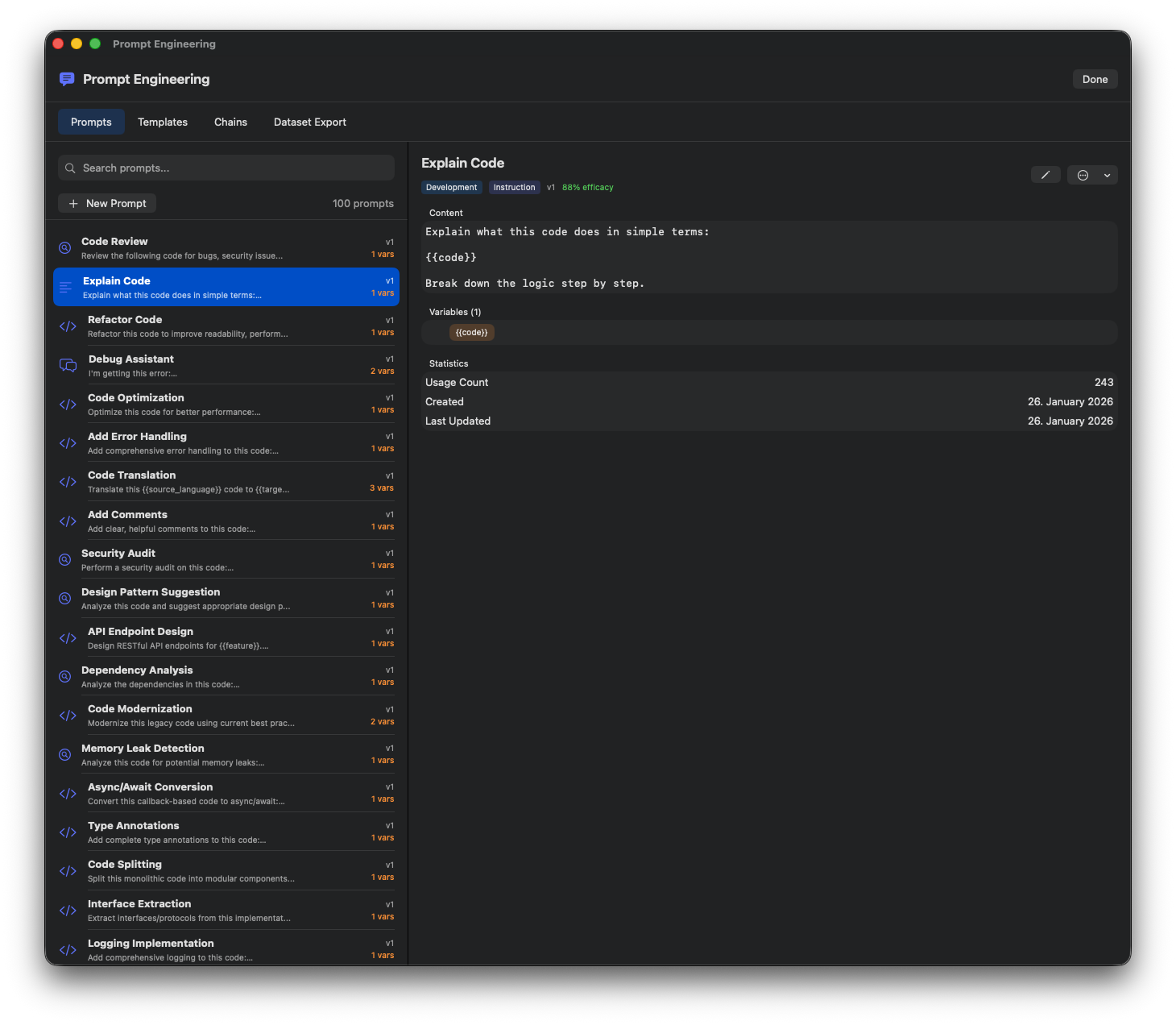
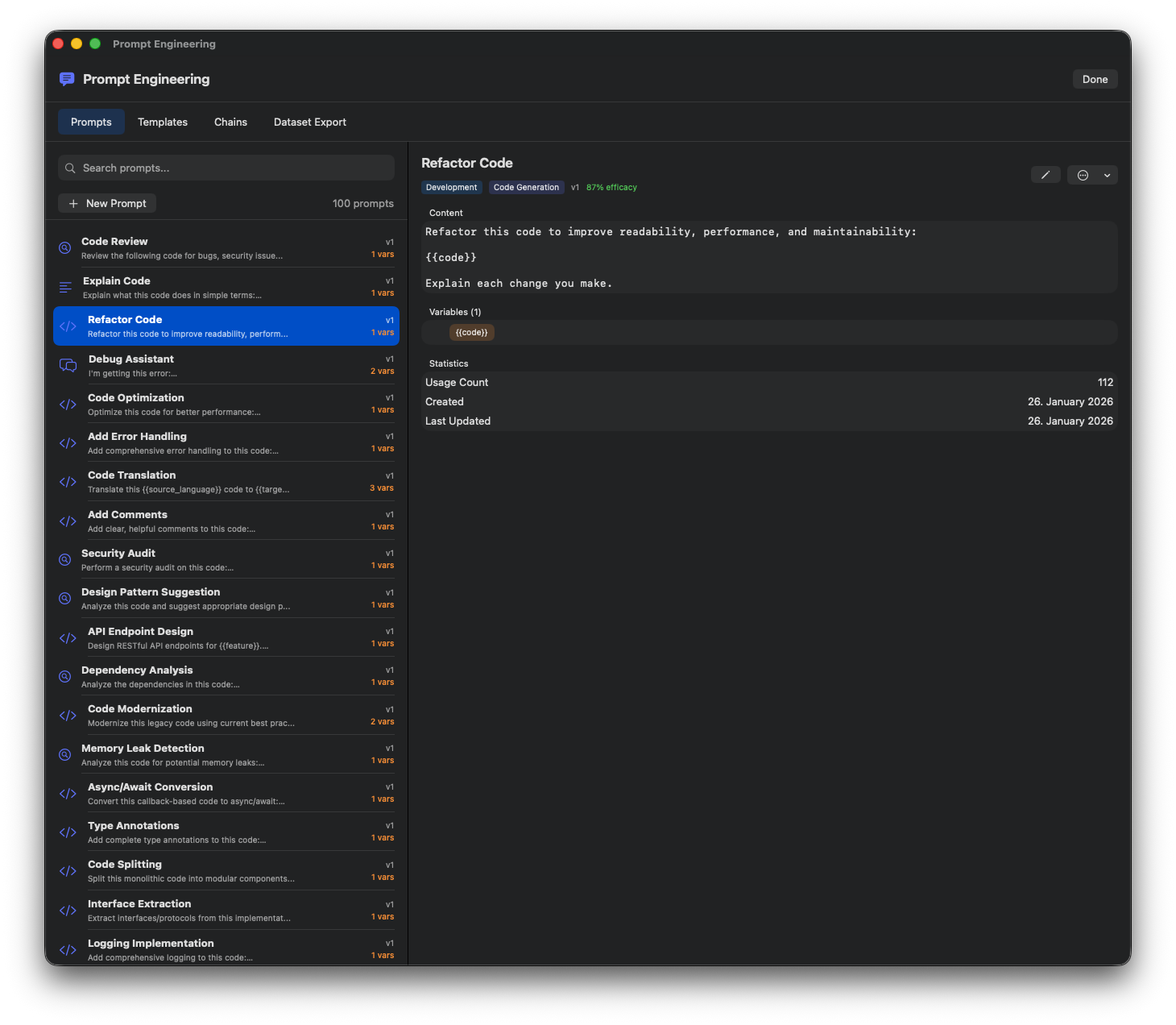
Design, manage, and chain prompts. 100+ built-in templates, reusable variables, multi-step chains, and persistent storage.
100+ built-in prompts organized by category.
Reusable templates with {{variable}} placeholders.
Multi-step prompt sequences for complex tasks.
Edit, duplicate, delete prompts with right-click.
Prompt Library
Prompt Editor
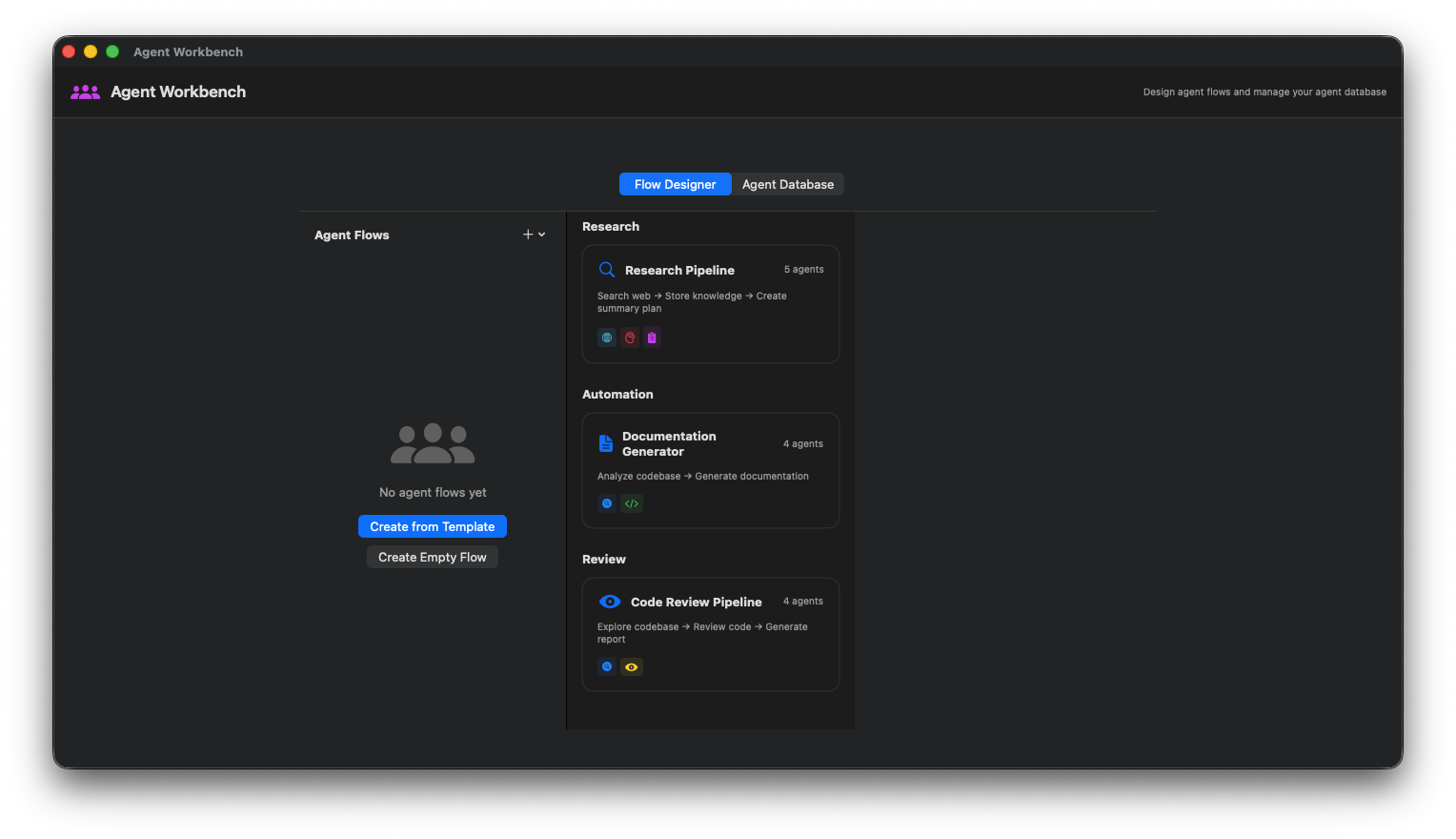
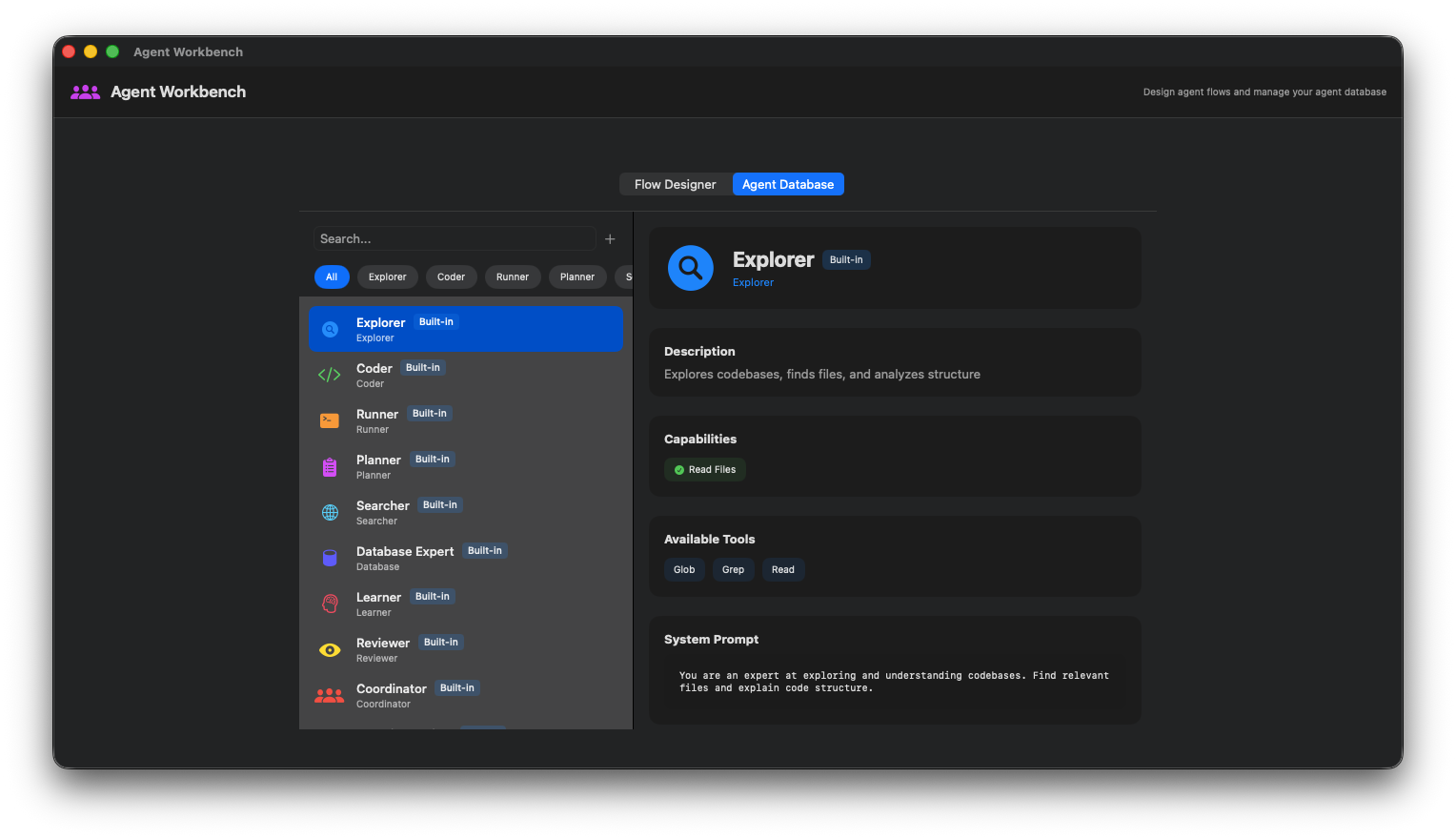
Create custom AI agents with specific tool permissions, system prompts, and behavior rules. Visual agent flow design.
Agent Flow Designer
Agent Configuration
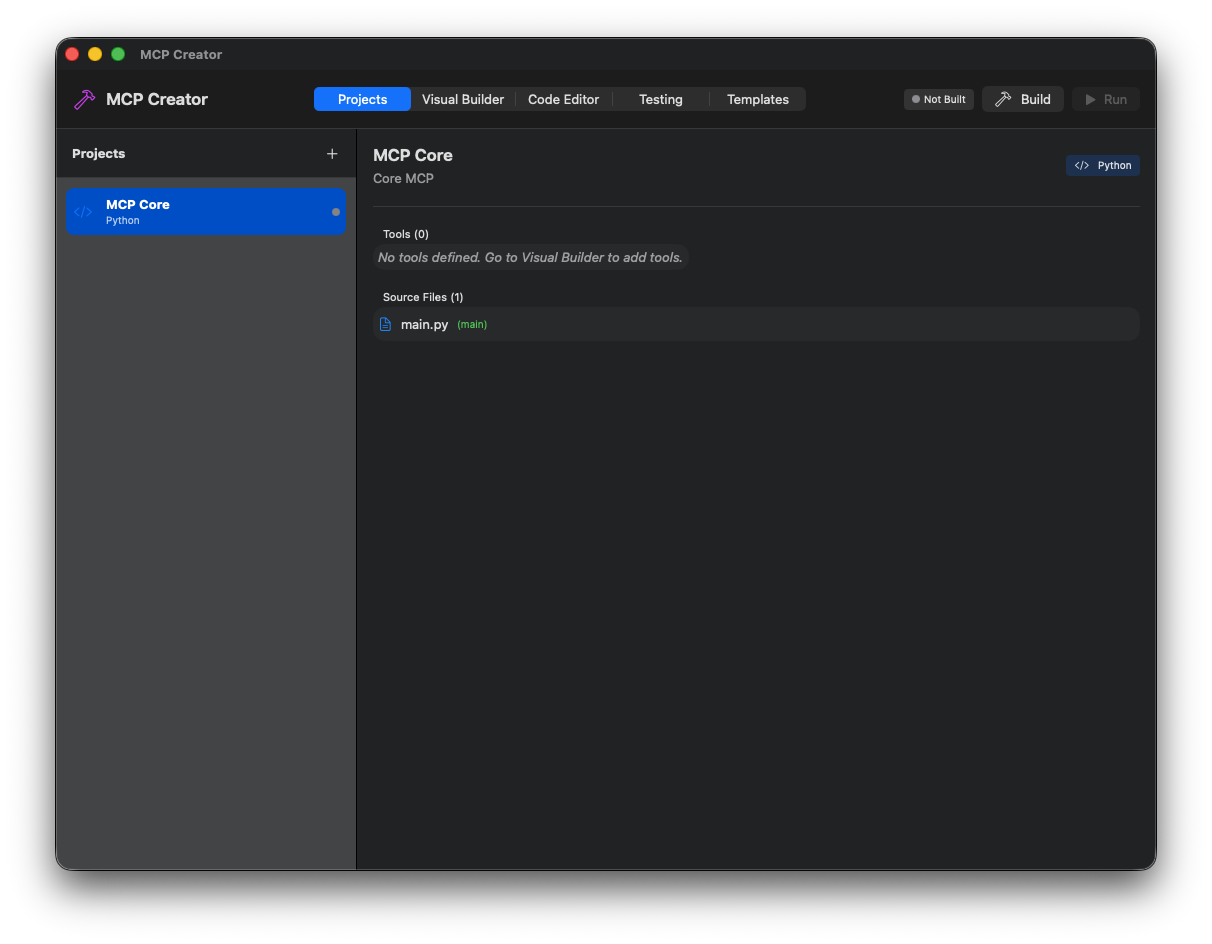
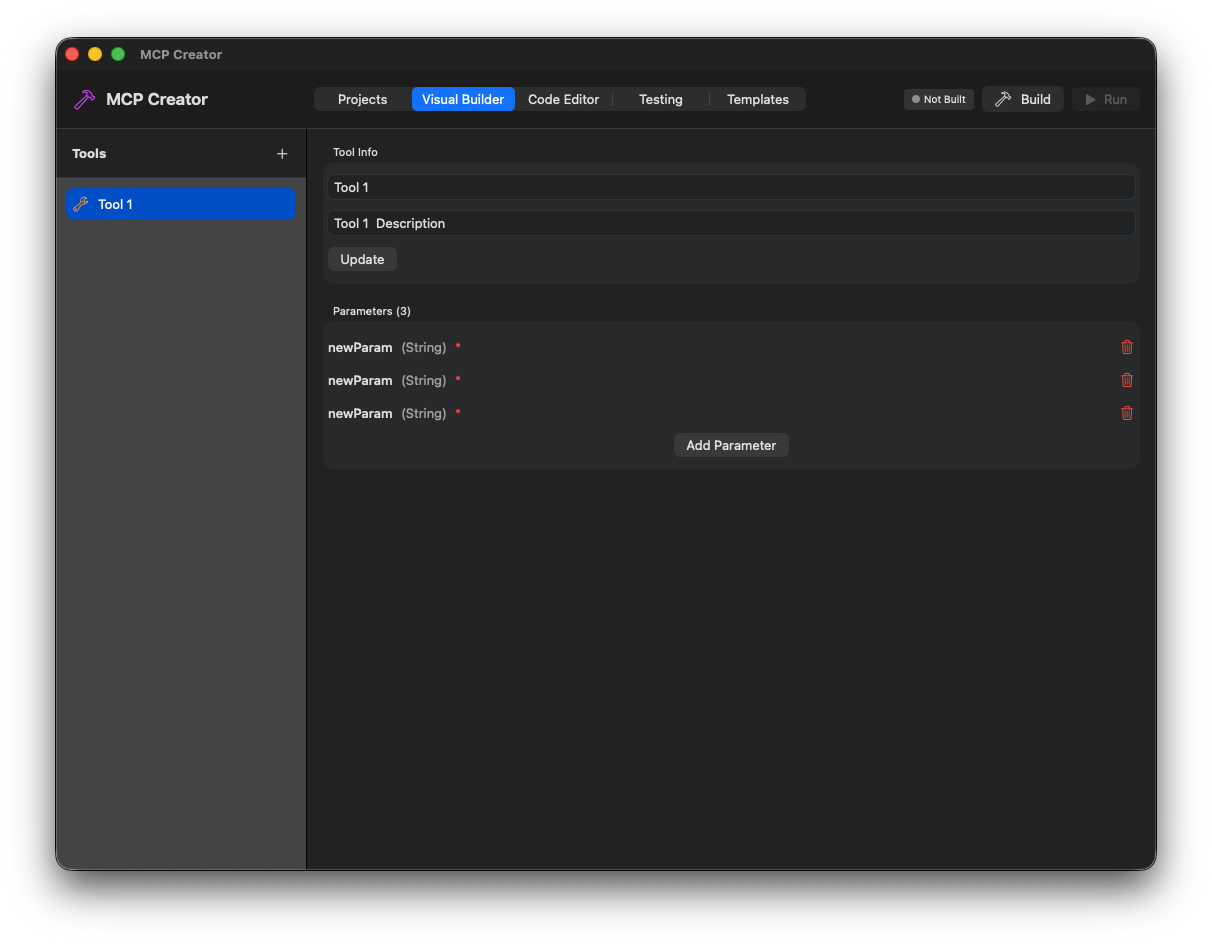
Build Model Context Protocol servers visually. Define tools with JSON schemas, create resources, generate TypeScript or Python code.
MCP IDE Overview
Tool Definition Editor
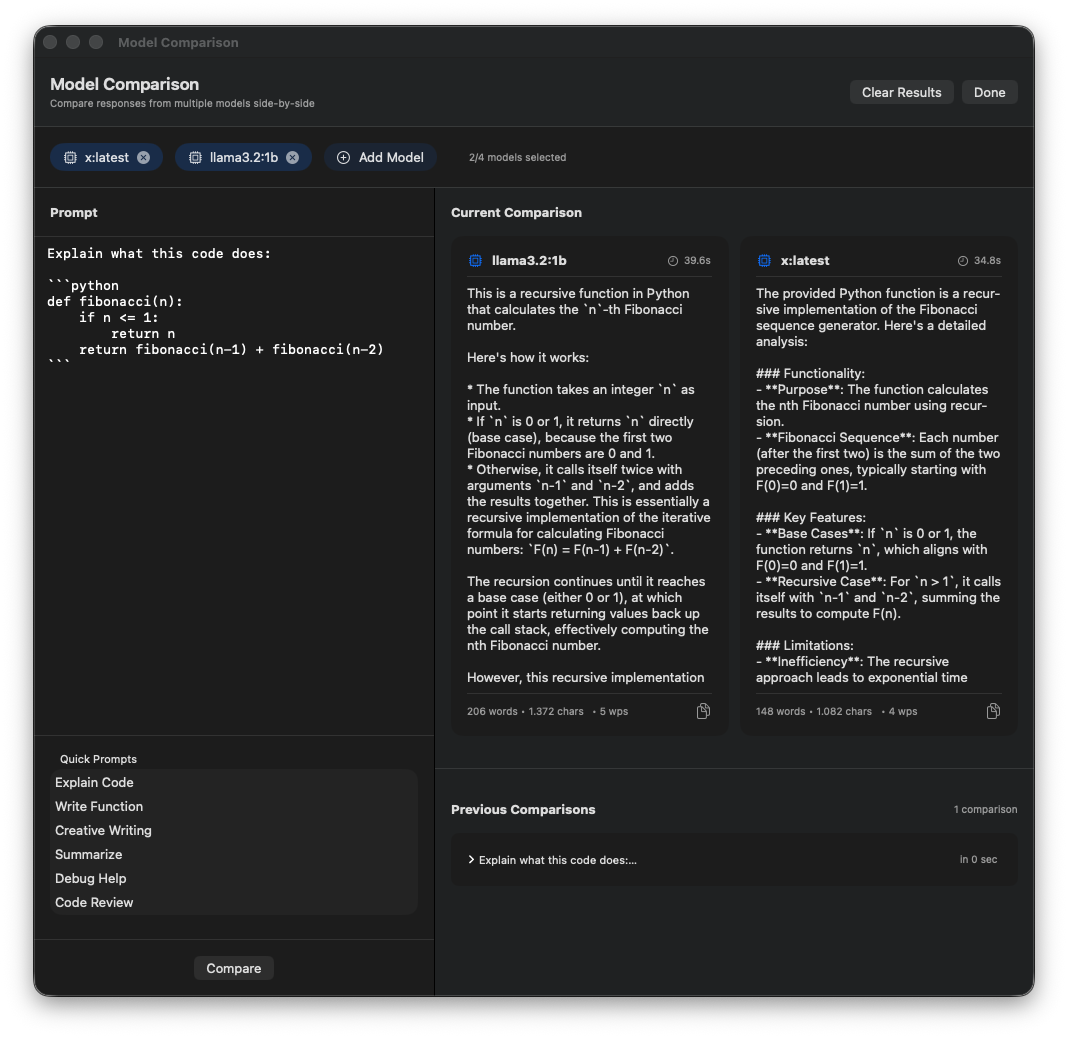
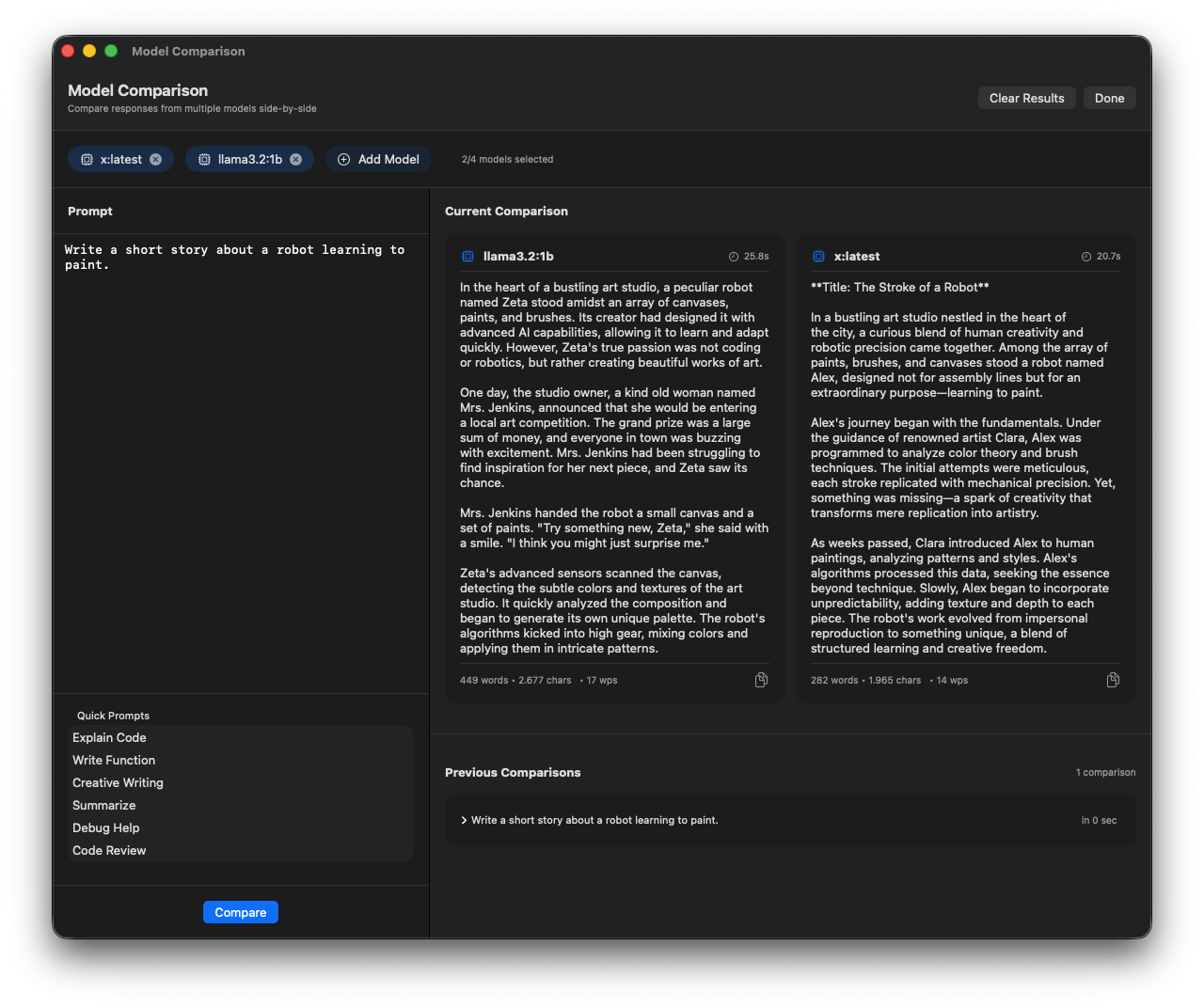
Test models head-to-head with the same prompts. Compare response quality, speed, and style to find the best model.
Side-by-Side View
Performance Metrics
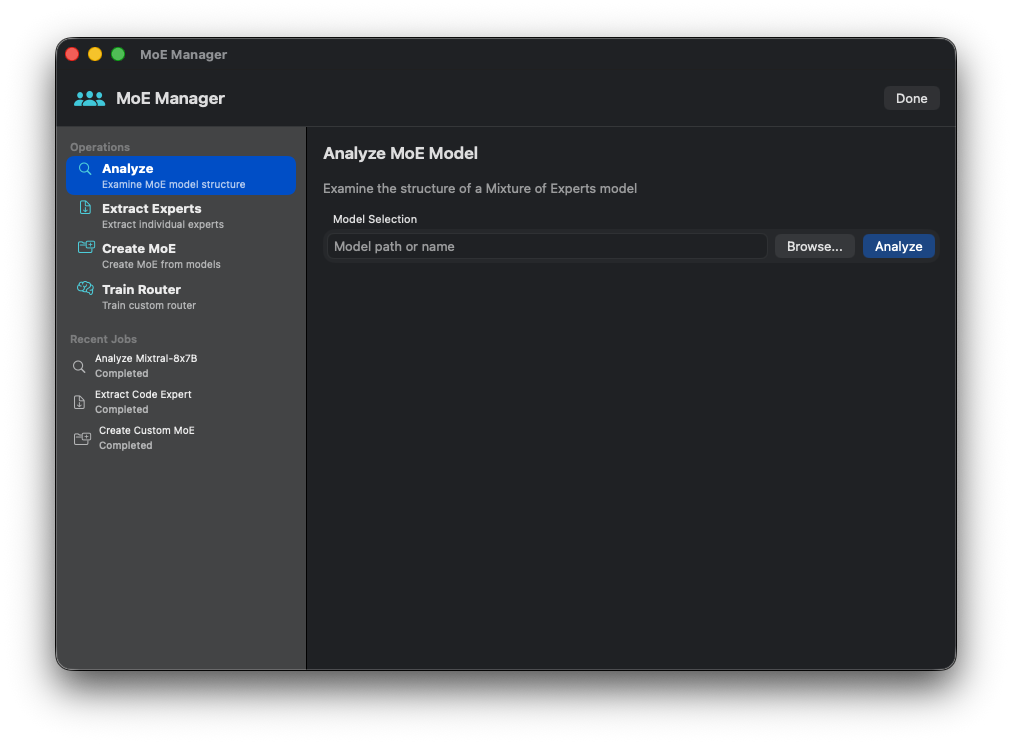
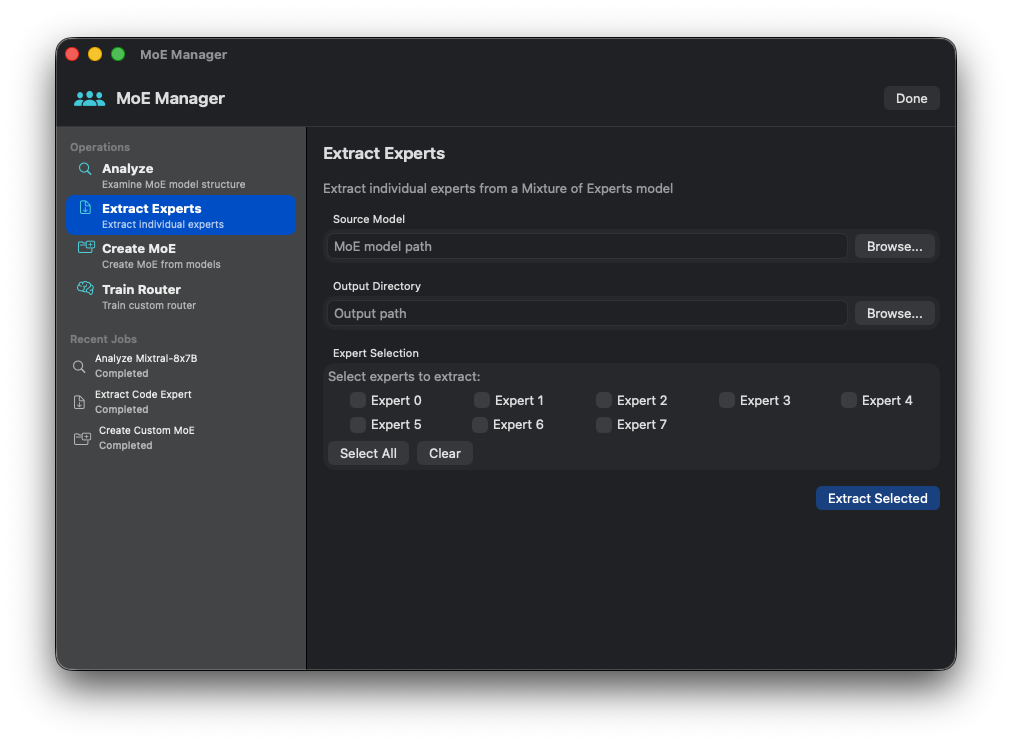
Manage Mixture-of-Experts configurations. Visualize expert routing, monitor utilization, configure selection strategies.
MoE Overview
Expert Configuration
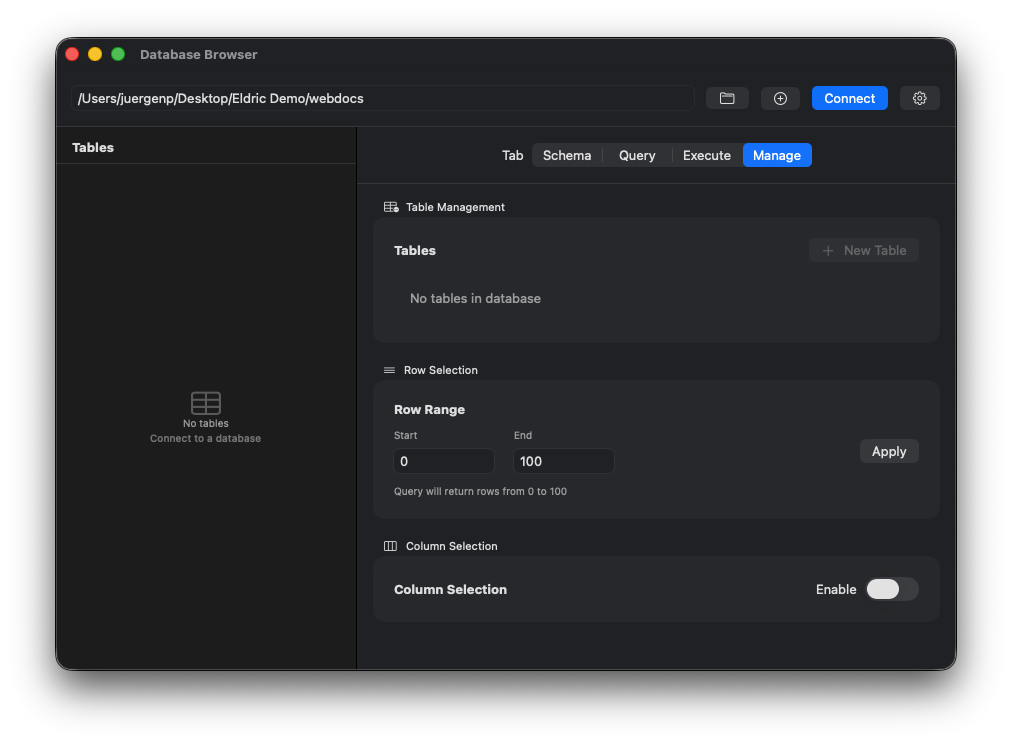
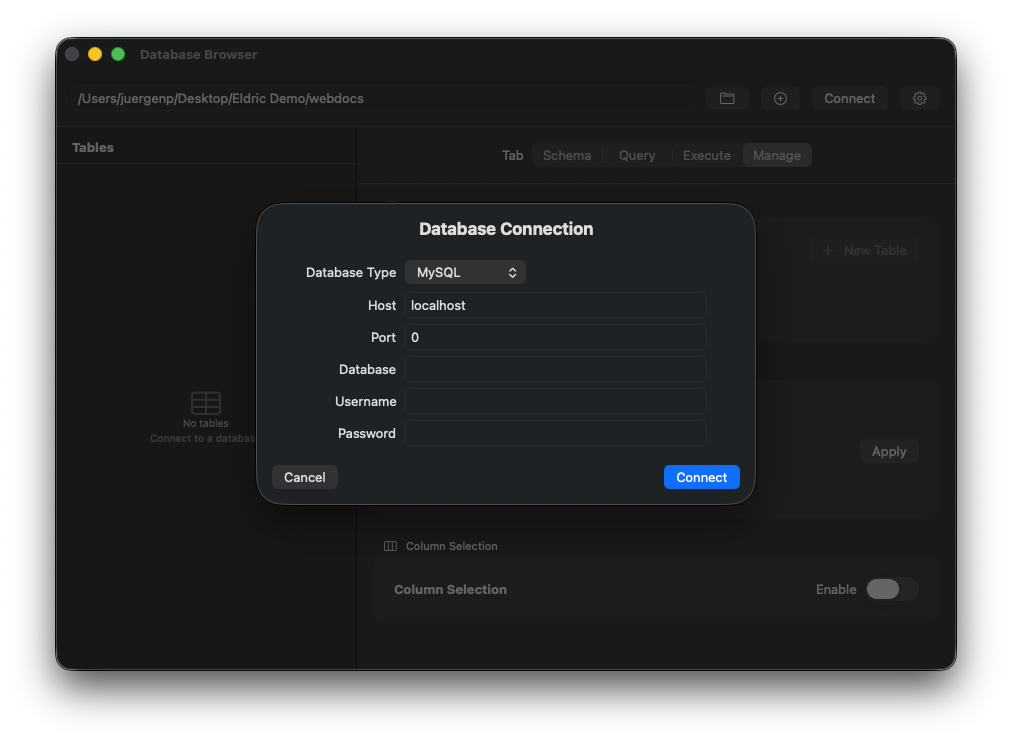
Connect to databases and explore them visually. Browse tables, view schemas, run queries with syntax highlighting. SQLite, PostgreSQL, MySQL support.
Database Connection
Query Editor
Create models from pre-configured templates. Chat, Code, Reasoning, Vision, Agent categories.
Rapid custom model creation with system prompts and parameters.
Connect to GPU servers for remote training jobs via SSH.
User profiles, response feedback, personalization adapters.
Monitor training jobs, batch processing, and long-running tasks.
Monitor and manage Swarm multi-agent orchestration.
Design multi-step training pipelines with dependencies.
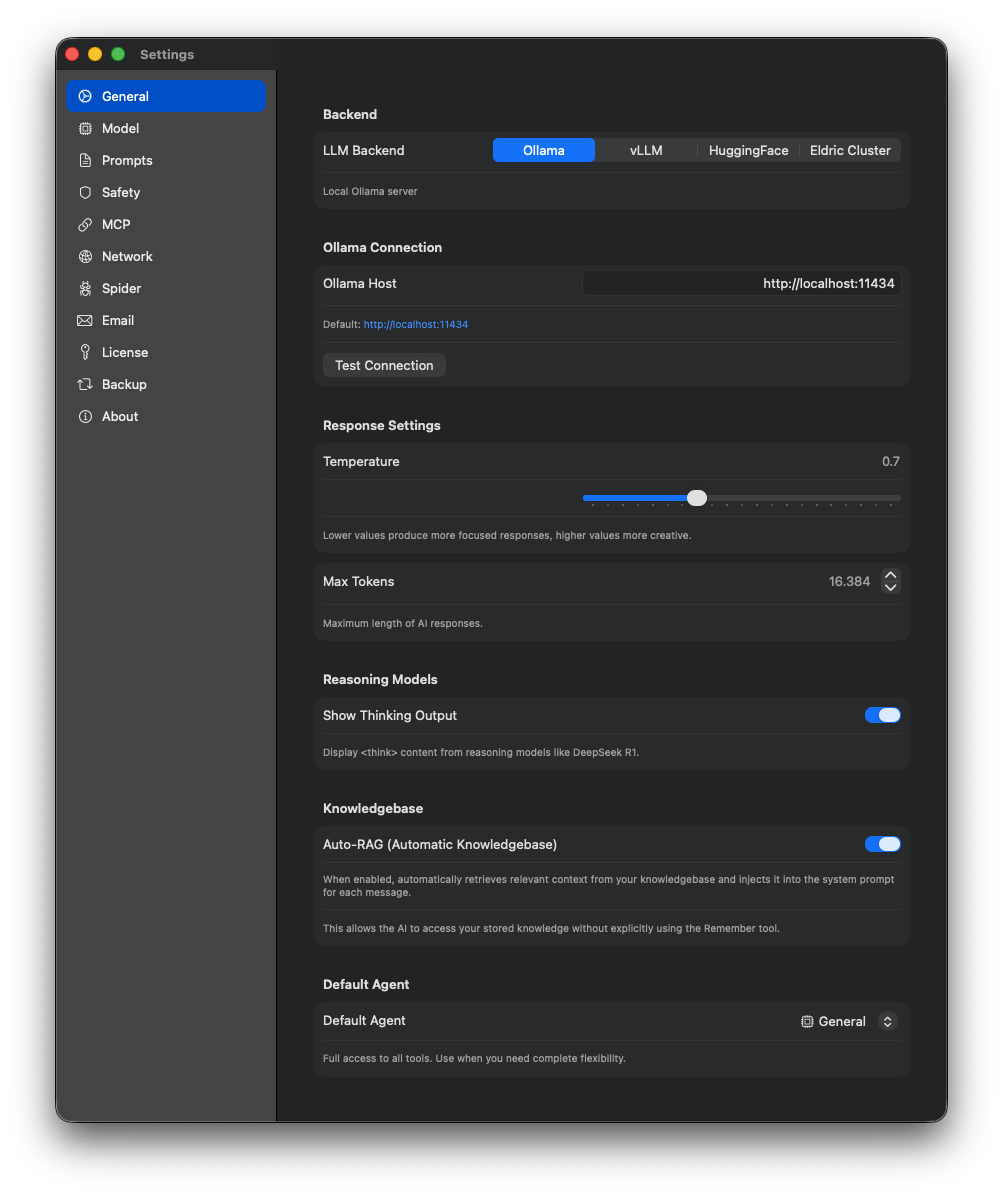
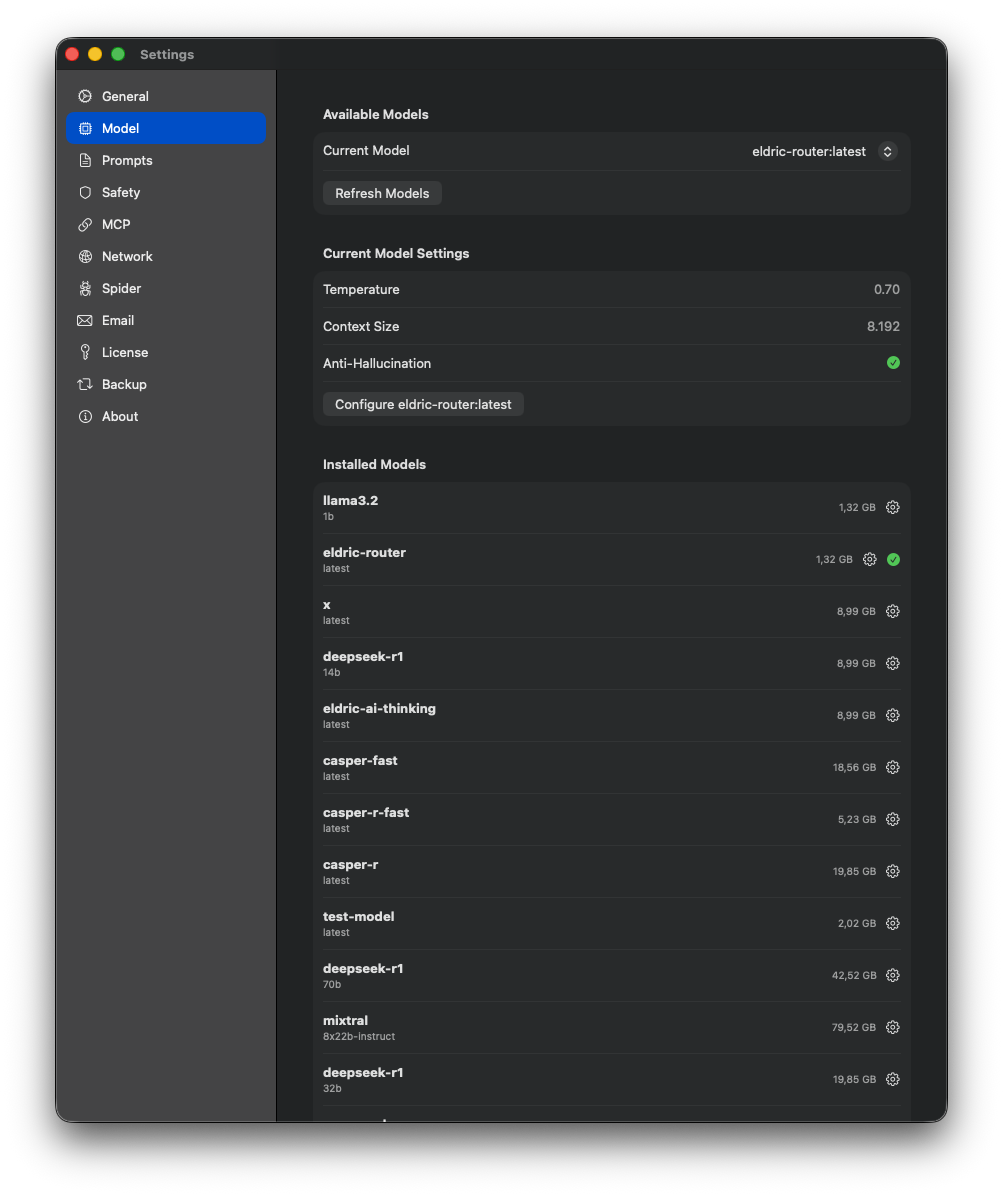
General, Model, Network, MCP, Email, Backup, Prompt, Spider settings.
General Settings
Model Settings
Free to use with local Ollama. macOS 13+ required.